Practical agent skills for SwiftUI, UIKit, Apple frameworks, and Xcode.
Selected work
A few highlights from my work that I can share publicly. There’s more behind the scenes.
Product design
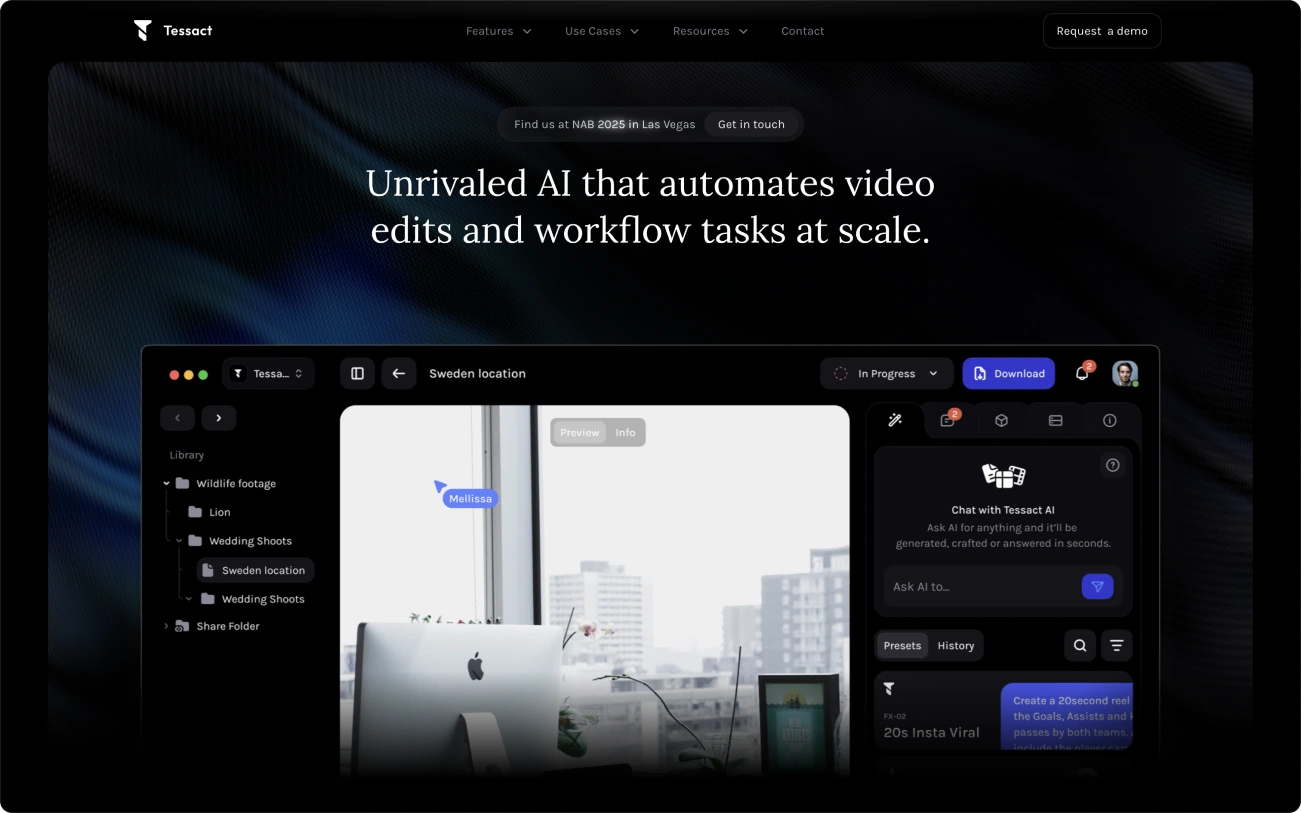
Tessact
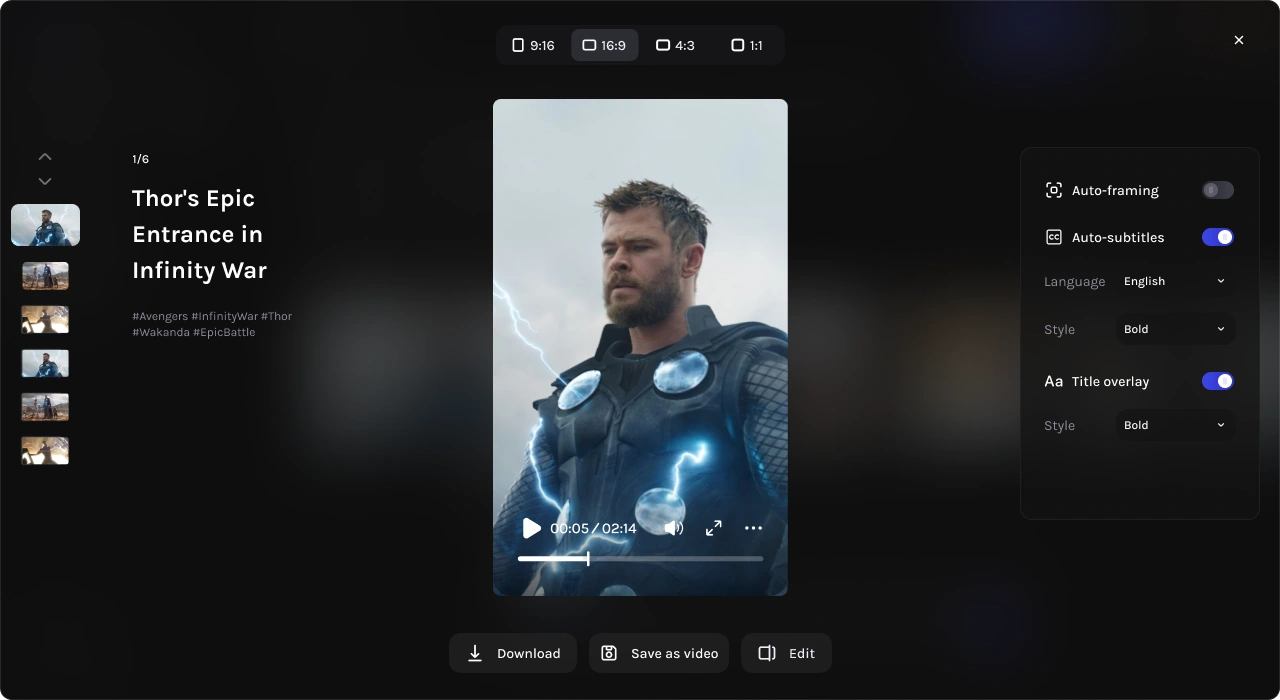
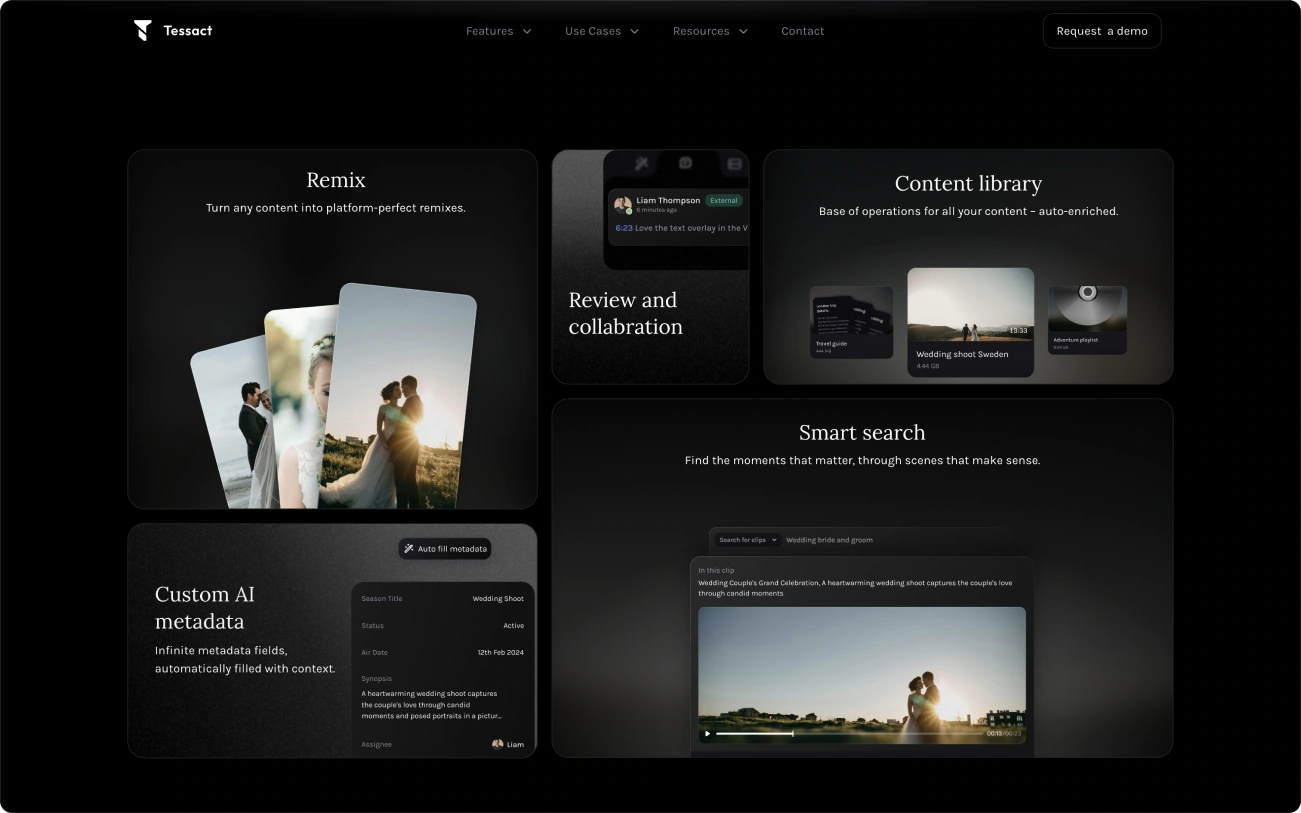
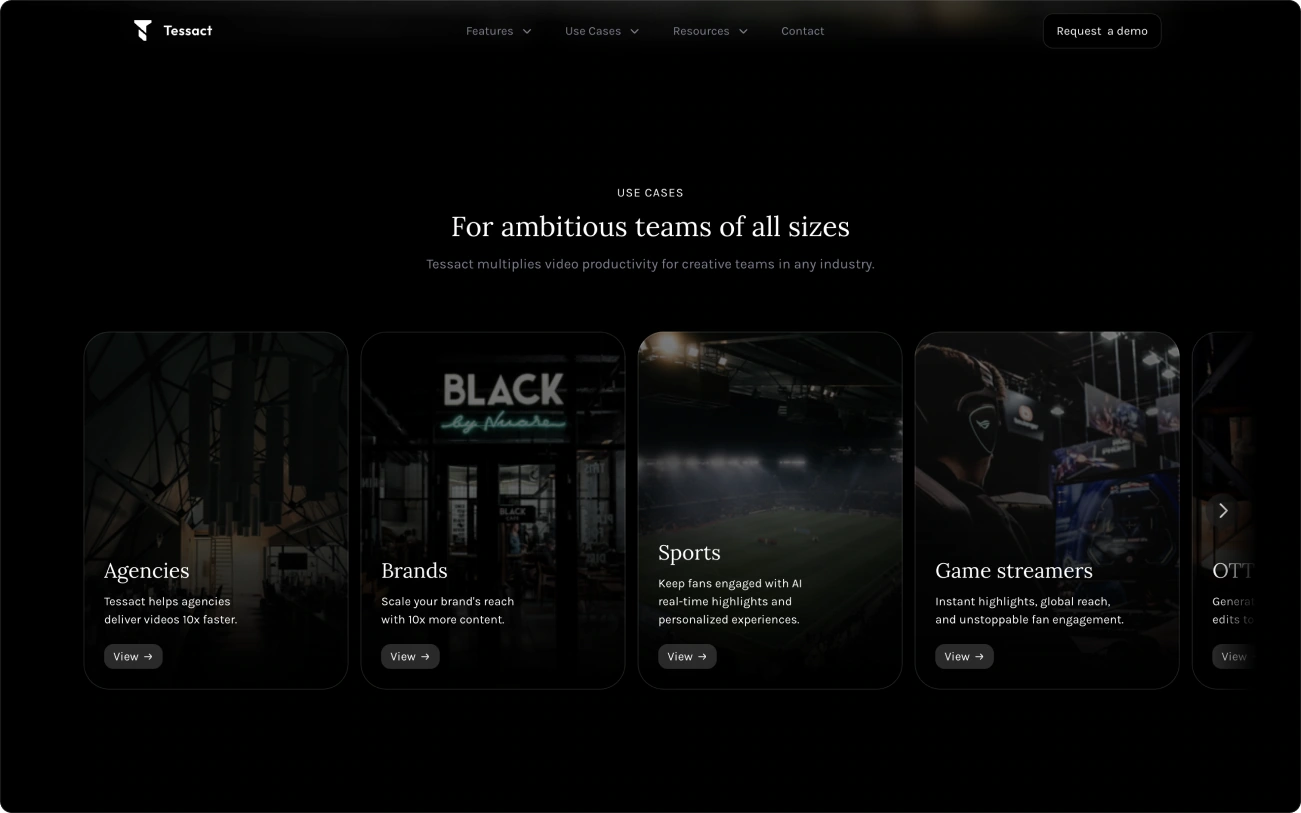
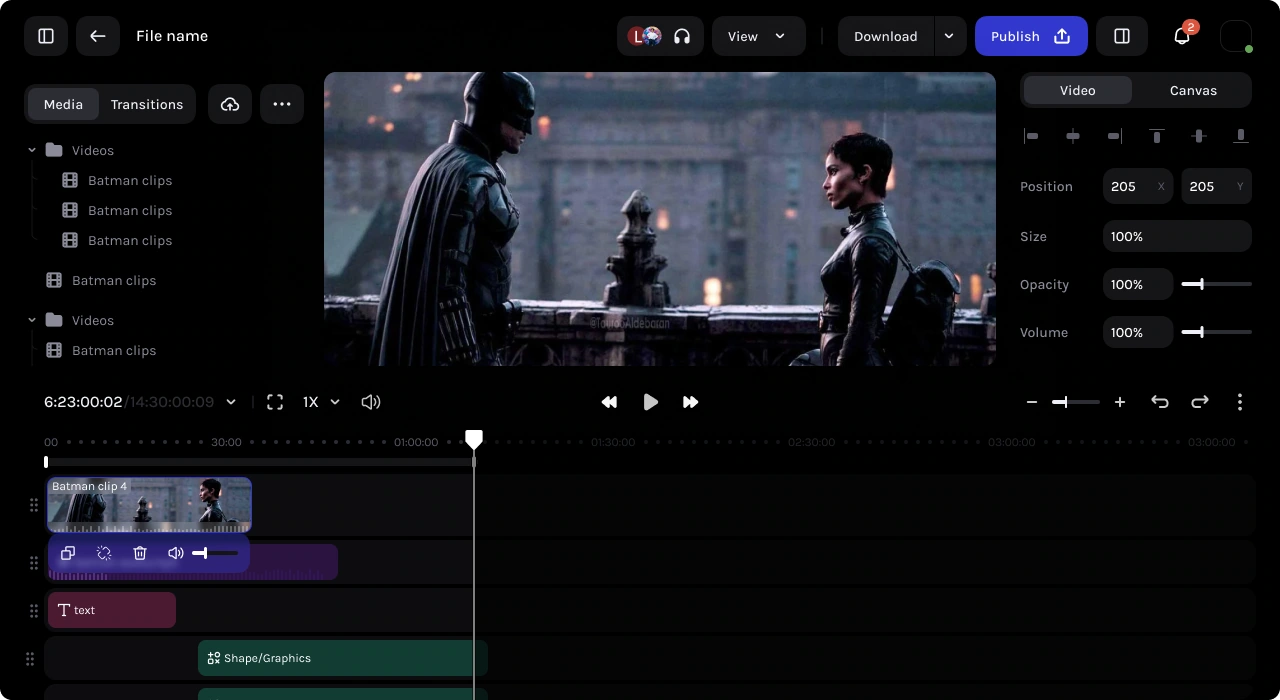
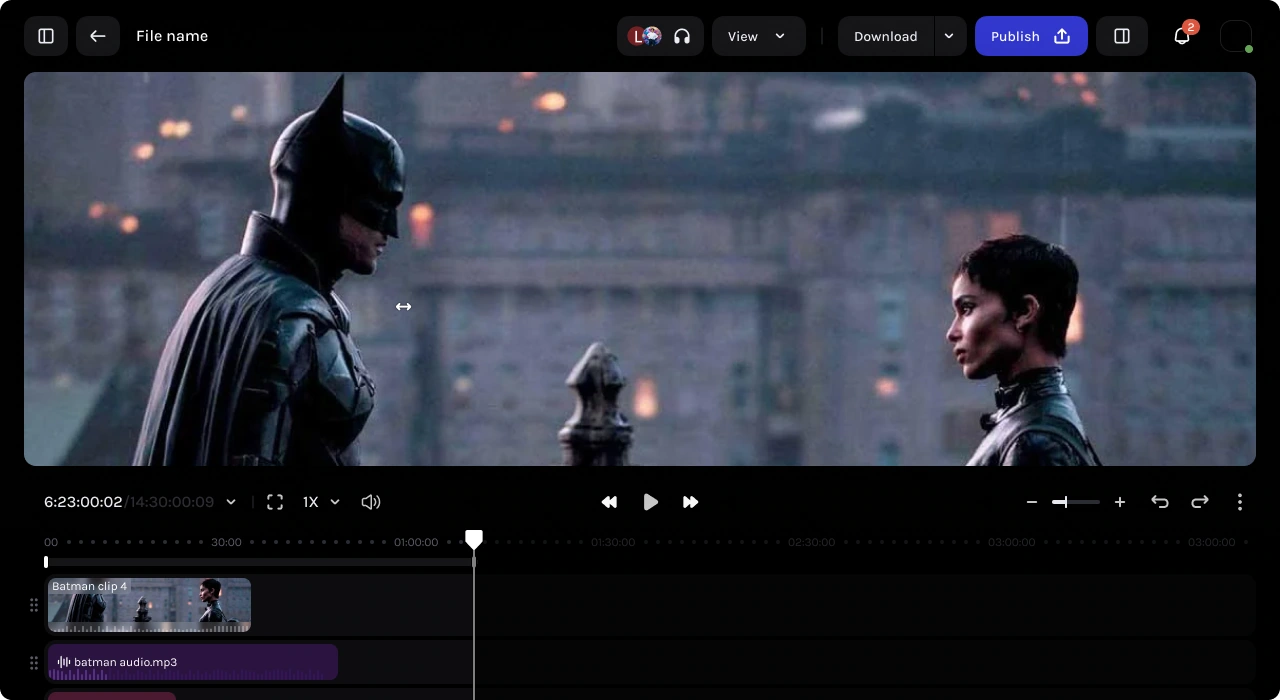
Worked on Tessact’s design system and core product features, including the video editor and AI editing tools. Also designed and built the Framer website to introduce the platform and its capabilities.
Induced AI
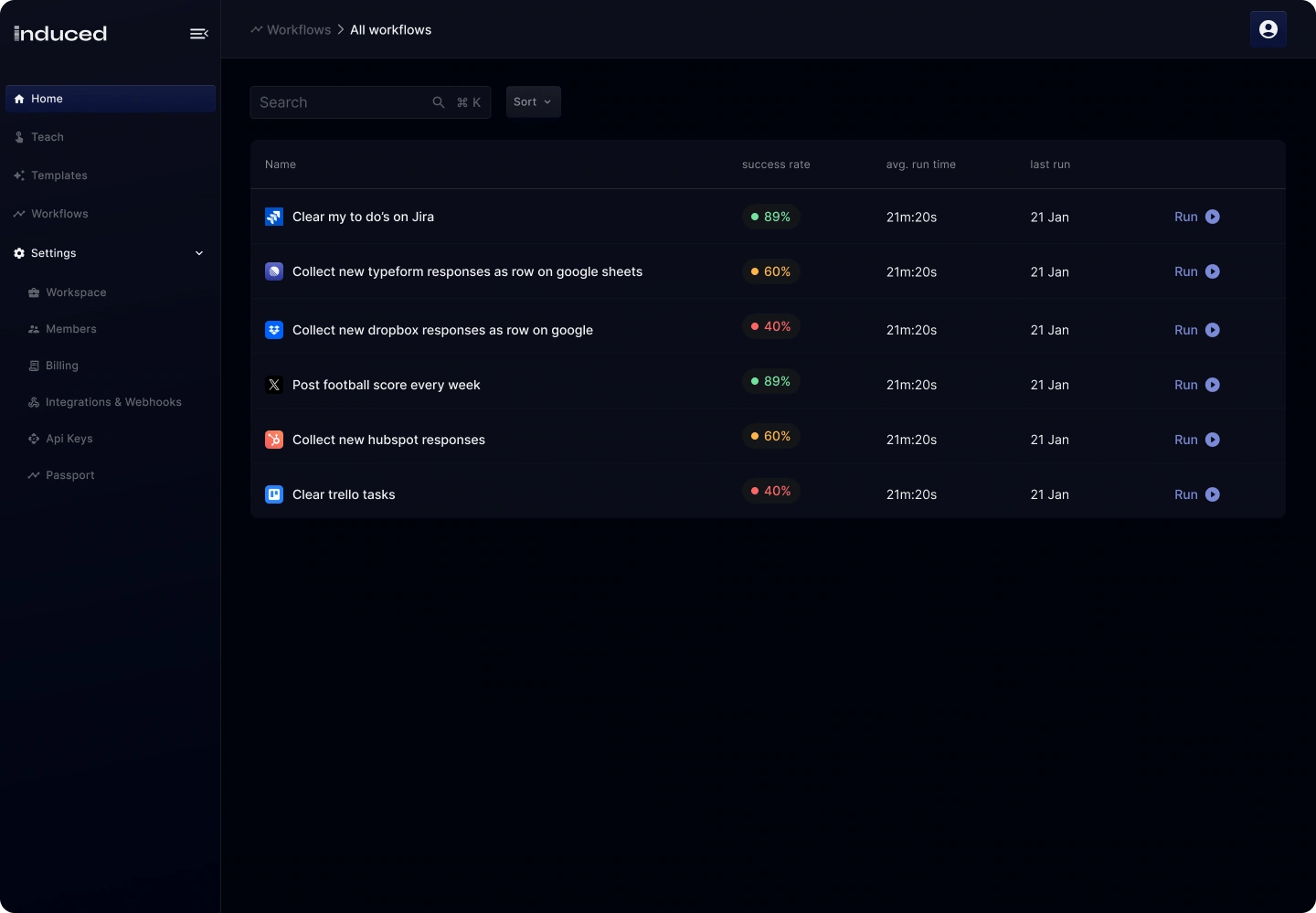
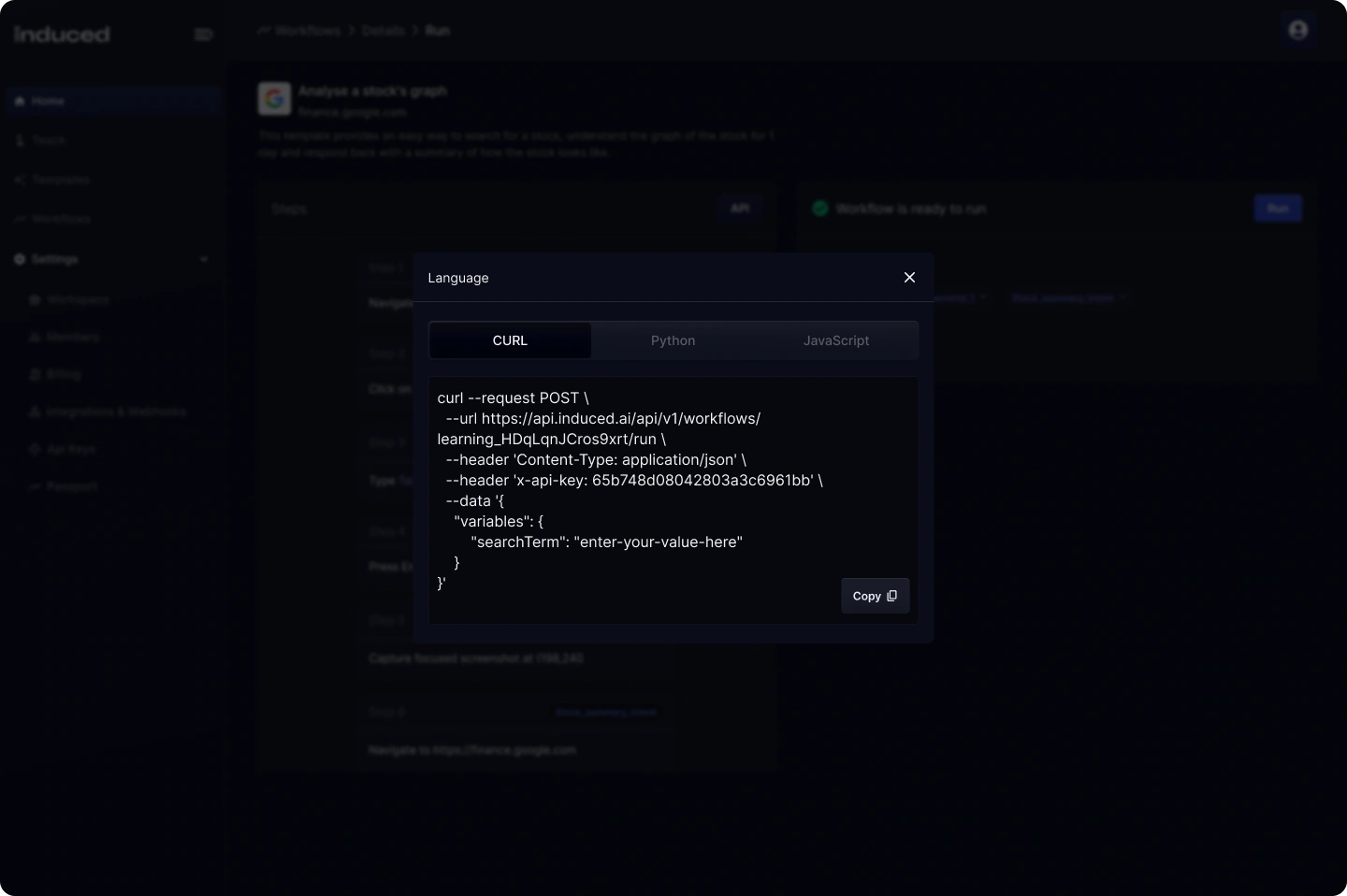
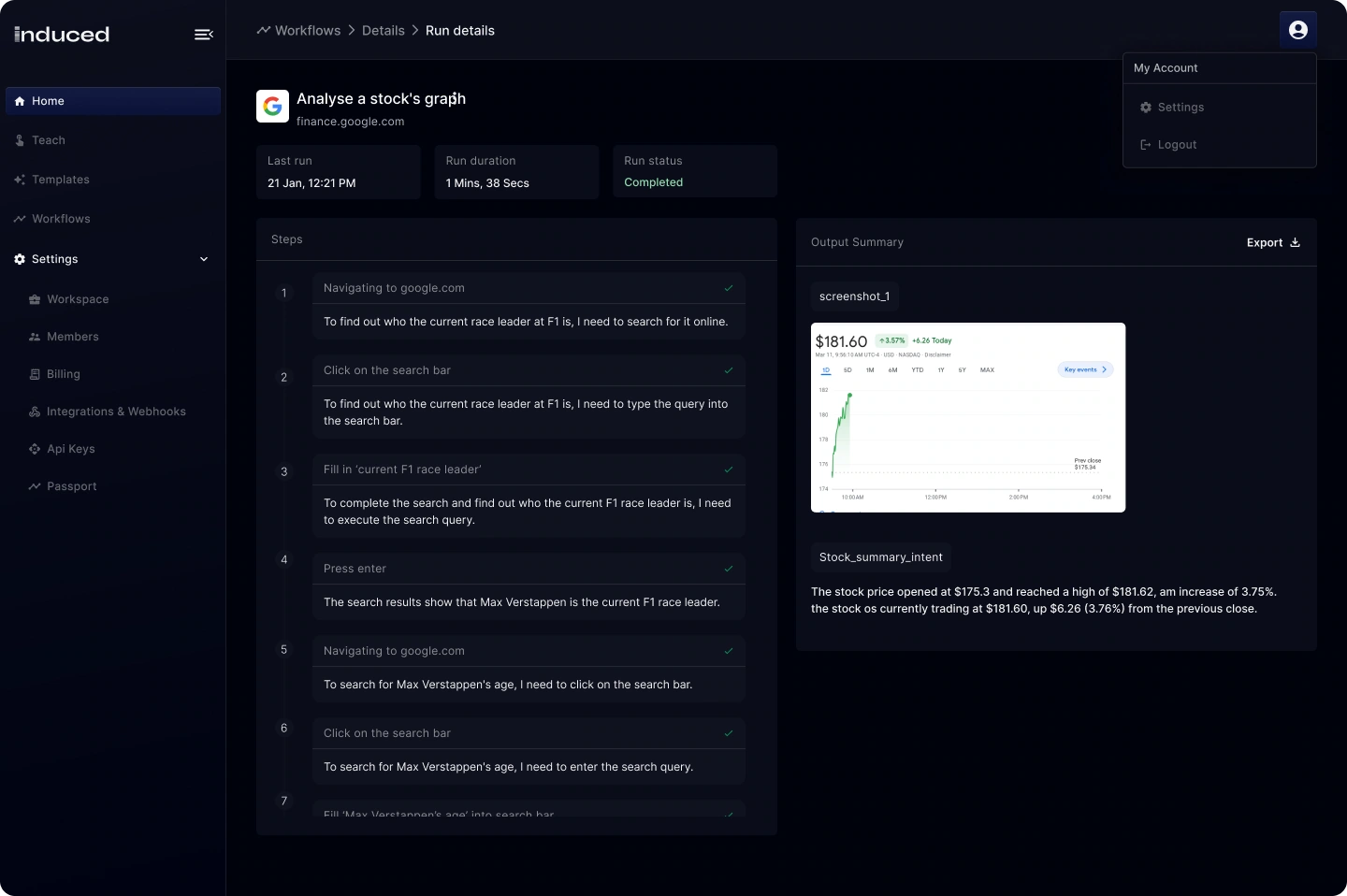
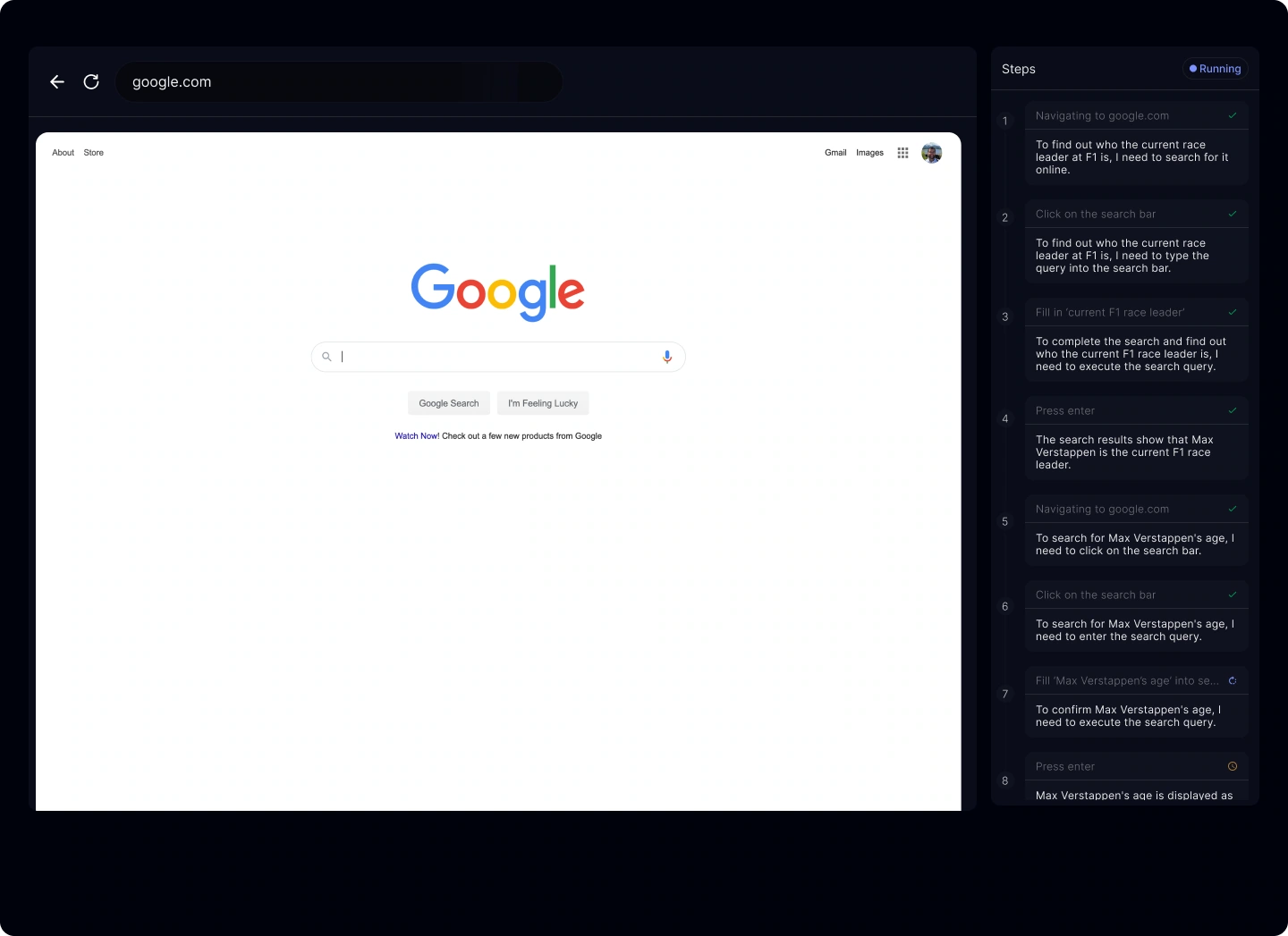
Induced AI’s third team member and founding designer. We designed dashboards and one of the first autonomous browser agents. Backed by Sam Altman and Peak XV Partners (formerly Sequoia India & SEA).
Heystak
Worked directly with Heystak’s founder as a freelance designer, designing the dashboard and building a reusable design system for its ad intelligence platform.
Bujo
Worked on product design, early product demos and early versions of the website for Bujo, a Y Combinator-backed AI customer support startup.
Framer Lists
Designed and built Framer Lists, a resource library for Framer creators. Created the browsing experience and a custom CMS to organise templates, components and guides in one place.
Websites
No Growth
Rebuilt No Growth’s website around its refreshed brand, putting the agency’s work at the centre. Designed and built custom video playback, filterable case studies and subtle interactions in Framer.
Shortscut
Designed an earlier version of Shortscut’s website. Created the landing page and case studies, refined the typography and mobile layouts, and optimised video playback.
Outlier Humans
The founder of Outlier Humans brought me in to design and build a simple, clean website that helped launch the product.
Field Day
Worked with Field Day to refine its Framer website and make it easier to maintain. Reorganised the CMS, improved the mobile layouts and optimised video playback across the site.
Apps I’ve built
Live and available for anyone to download and try.
Resources
Useful little tools, open-source projects, and skills I’m sharing.
Draw your signature. Replay its natural rhythm. Save every stroke as an SVG.
A native iOS studio for creating 3D elements, materials, and Metal shaders.
Searchable clipboard history, tucked into your MacBook notch.
Animate SVG icons visually. Export clean CSS, React, or Framer Motion code.
Explore colour and type styles inspired by leading digital products.
Create complete long-form pages from Markdown, PDF, DOCX, and CSV files.
Turn source material into a responsive, search-friendly FAQ block.
Turn project styles into a clean, maintainable style-guide page.
Reusable UI components for building Framer plugins.
Find missing styles and inconsistencies across every layer.
See and update every text, colour, and link style from one panel.
Feed
Notes on the decisions behind the things I design and build.
AI video editing, and why I built a CLI
AI video editors right now remind me a lot of Cursor back in 2024. You had a familiar IDE and were still checking the code.
It’s the same with current video editors: a familiar layout with a timeline, audio tracks, a preview, and a chat panel on the side. That makes sense for where the models are today. You still need to check the work and step in when something feels off.
We saw similar progress with coding. As the models became more reliable, tools like Codex and Claude Code started abstracting away more of the editing. You could describe what you wanted and let the agent handle more of the work.
I think that will happen with video too. We’re just not quite there yet.
But video is storytelling. Much of it comes down to how something looks, sounds, and feels when you watch it. That’s going to shape the interface differently than it did for coding.
That’s why I added a CLI to SwiftRender, so people can use it from their own Codex or Claude Code setup.
The interface lets you preview changes and keep iterating without exporting the full video after every edit.
Exciting times ahead.


Behind the Daybeat film
I shot this on my iPhone and edited it in Codex with GPT-6 Astra and the SwiftRender CLI. These two clips show the photo zoom, tracked finger joints, and the badge’s actual 3D mesh.
The opening uses four overlapping photos, from wide to close. I aligned the laptop’s preview corners and blended in the closer photos as the camera moved towards the screen. Matching the first frame connected the zoom to the film.
Depth Anything V2 Small ran locally through Core ML to estimate depth. Depth-assisted reprojection added subtle parallax, while optical flow aligned the photos before blending. A person mask kept my pose steady, and the laptop screen stayed rigid.
Apple Vision tracked my hand at 30 samples per second. I combined the steadier wrist and knuckle positions into a palm anchor; a separate ARKit capture helped with the desk geometry. Smoothing the path across the whole gesture reduced jitter, with a small bounce as my hand rose.
As my fingers close, the badge moves down, shrinks, and disappears behind a mask built from the hand joints. Timing it to the real gesture made the effect feel connected to the footage.
Loading video…
Couldn’t load the video. Try again.
Loading video…
Couldn’t load the video. Try again.


Three ways to build an iOS tab bar
I tested three navigation patterns for one of my apps, looking at how each balances space, actions, and native behaviour.
1. Native TabView felt larger than I wanted, but it can minimise on scroll and supports one prominent action on the right.
2. A native toolbar with a custom picker loses scroll minimisation, but keeps matched transitions between tool buttons and a natural feel when dragging between tabs.
3. A custom Liquid Glass tab bar offers more control, but felt less native. Matching the system buttons and making it work well with accessibility settings took more effort.
Loading video…
Couldn’t load the video. Try again.
Loading video…
Couldn’t load the video. Try again.
Loading video…
Couldn’t load the video. Try again.
An experiment with ARKit
I captured this on my iPhone with ARKit, then used SwiftRender to work with the depth data and explore visual effects with Metal and SwiftUI.
Loading video…
Couldn’t load the video. Try again.
A little more about me
Couldn’t load the video. Try again.
Curiosity drives a lot of what I make. I enjoy exploring an idea through building, whether it becomes an app, a website, a small tool, or an open-source project.
AI is a core part of my workflow. I use it to turn designs into working software, try different approaches, and refine the details through hands-on iteration.
I’ve worked with early-stage startups to take products from zero to one, from shaping an MVP to getting it into customers’ hands. Along the way, I’ve built, maintained, and scaled design systems, working closely with engineers to keep them consistent as products grow.
Experience
– Present
Freelance Designer & Builder
Building websites and apps for clients, alongside personal side projects. Find me on Contra.
–
Otonomy Labs Builder
Handled everything related to design and built OpenEar.
–
Tessact Product Designer
Primarily worked on the design system and core features, including the video editor and AI features for editing.
–
InducedAI Lead Designer
Designed dashboards and the first browser agents as part of the founding design team. Also created the launch video.
–
Tap Invest (Formerly Leaf Round)
- Product Designer –
- Product Designer · Internship –
Designed web and mobile investment experiences from zero to one. Worked with the founding team to conceptualize and build the MVP.
–
Freelance Freelance Web Designer
Designed websites and built them with no-code tools.
Scroll vertically to explore. Select a video to open it.